Ambidextrous

Apps · A calm home routine

Hestia

Daily routines, one zone of the house each week, and the pantry, in a quiet app that two people share.

Private build

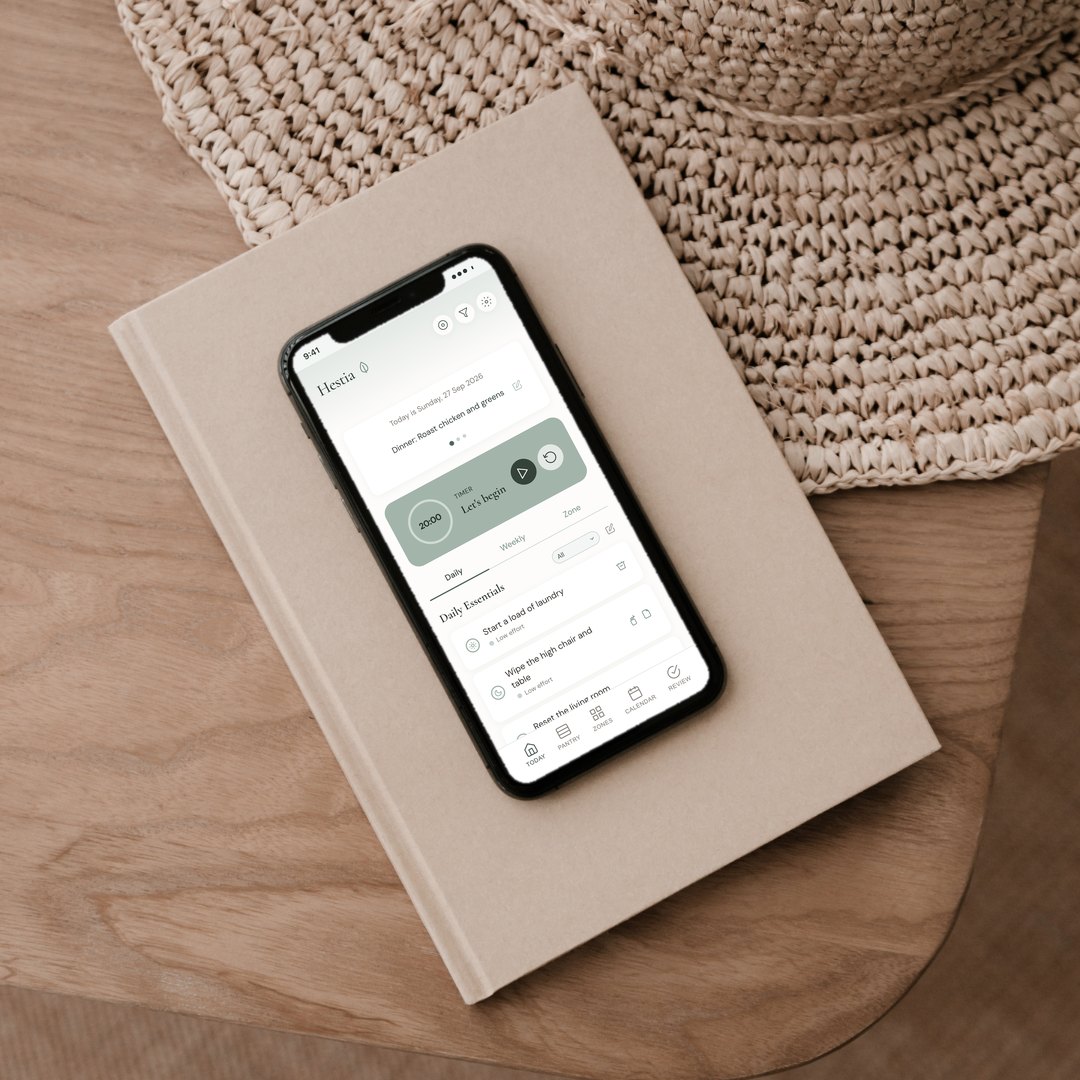
Hestia on a phone resting on a linen-bound book beside a woven hat, showing a sample household’s day
Status
Private. Used by one household: my husband and me.
Platform
An installable web app for phones. We both see the same household, and it syncs as we go.
For
Keeping house with daily routines and one zone a week, in the FlyLady style
Built in
Singapore

Why I built it

I follow the FlyLady system for keeping house: small routines every day, and one zone of the home each week. I wanted a calm cleaning app that would help me focus, and the FlyLady app felt too clunky and outdated.

I also wanted it somewhere my husband could see and use it too. So I built Hestia, and now we keep one household across both our phones.
The problem

A good system in a tired app

Who it’s for

For households that like a gentle routine

What it does

Inside Hestia

Today, morning and evening

Daily essentials are marked for the morning or the evening. Tick one off and it moves to the bottom of the list.

One zone a week

Each week has one part of the house to focus on, from the kitchen to the bathrooms. The progress bar fills as you go, and on Monday Hestia offers the next zone.

Low-energy days

Choose low, medium or high effort, and Hestia hides whatever is too much for today. You can also filter by the tools you have out.

One task and a timer

Tap a task to give it the whole screen, with a timer and a soft chime. Done takes you to the next one.

The pantry and the shopping list

Mark something as run out and it goes on the shopping list, sorted by where you buy it: the supermarket, the wet market, the pharmacy or online.

Hestia: A rhythm for every weekday

A rhythm for every weekday

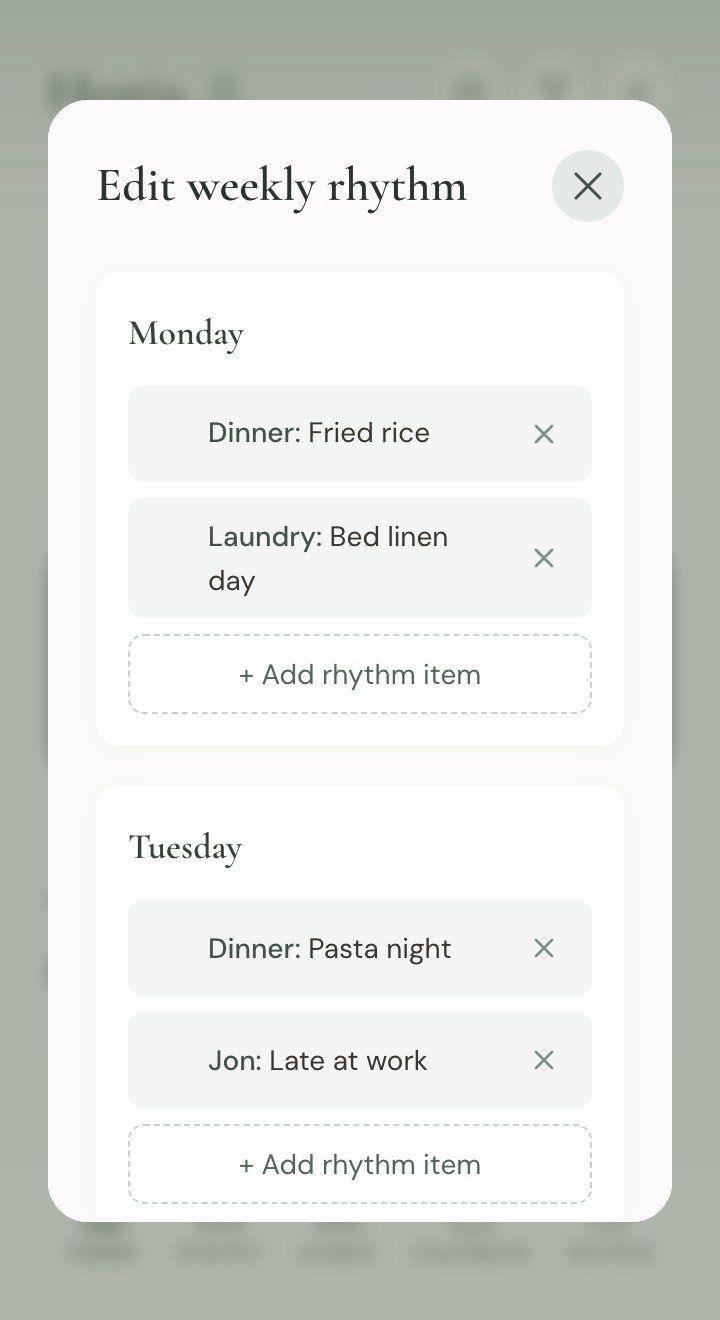
Dinner plans, class times and bin day for each day of the week, rotating at the top of the home screen.

Hestia: A garden for the streak

A garden for the streak

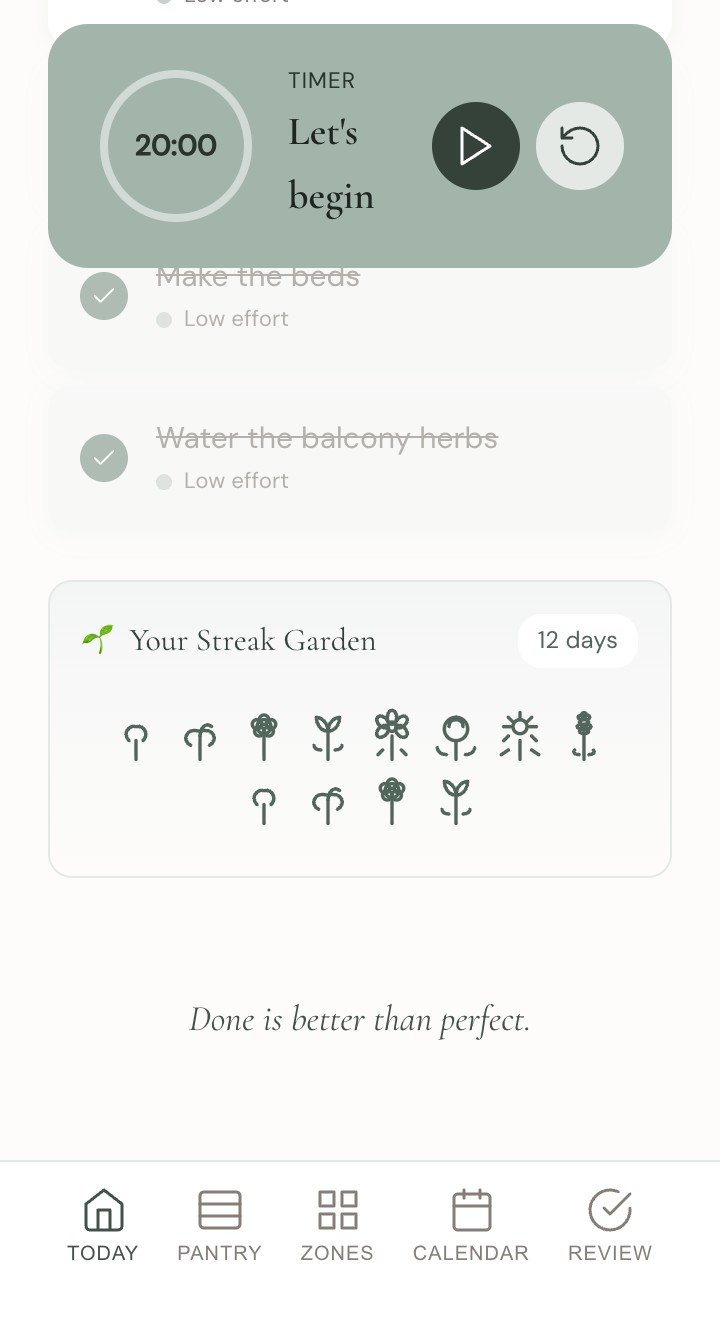
Each day you tick something off, a plant grows. Miss a day and the plants wilt until you water them, and none of them are lost.

Hestia: One household, two phones

One household, two phones

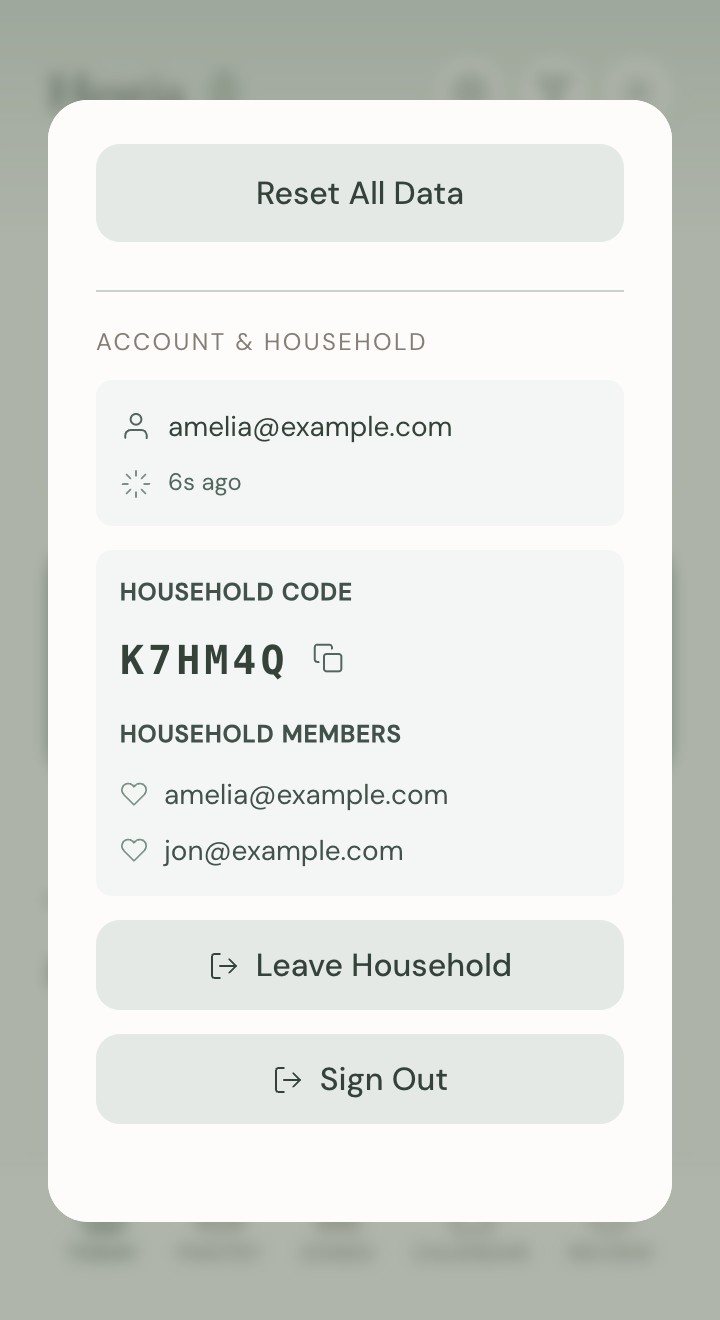
Share a six-letter code and the other person joins. Whatever one of us ticks off shows on the other phone straight away.

How it was made

Two hands

Hestia is built with agentic assistance. The agents wrote the app and the server behind it. Which parts of FlyLady to keep, how it should feel, and what the two of us needed, I decided.

The agents’ hand

  • Syncing one household between two phones as it happens, with a join code that reveals nothing on its own.
  • An installable app that opens straight away and keeps working when the connection drops.
  • Scheduling for routine reminders, with time zones handled and nothing sent when the list is already done.

My hand

  • Choosing which parts of FlyLady to keep: the daily routines, a zone a week and the timer.
  • Making calm the priority, so the app is something I want to open in the morning.
  • Deciding it had to be shared, so my husband sees the same list I do.
  • Living with it every day and deciding what to change next. It’s on version 1.8.

Where it’s heading

Where it could go

Next is switching on the routine reminders: a nudge in the morning and the evening when something on the list is still waiting, and nothing when it’s all done.

Private for now

Should this exist for more people?

Hestia was built for our home and stays private. If you follow FlyLady, or want a calmer way to keep house, I’d like to hear from you.

Write to me

About an app, copy, training or a talk. I'd love to hear what you're working on.

Get in touch

or email hi@ambidextrouslabs.com